Algorithmic Futures Trading
Software, No Code Required

Build, backtest, and automate futures strategies across 30+ markets with 7,000+ signals, economic events, seasonality, and institutional-grade robustness testing. From idea to live algo in minutes.

30+ Futures Markets7,000+ Signals1-Min to DailyEconomic EventsSeasonalityNo Coding

How Algorithmic Futures Trading Works in 5 Steps

1

Select Futures Symbols & Timeframe

Choose a single futures contract or a basket. Build Alpha returns the best strategies for that symbol, or the best systems that work across the entire basket. Settings let you adjust margin, tick value, and point value for proper P&L calculation on any contract.

Build Alpha futures symbol selection interface showing ES NQ CL GC and 30 plus futures markets for algorithmic trading strategy development and backtesting
Select individual futures or baskets, ES, NQ, CL, GC, and 30+ more
2

Choose Entry & Exit Signals

Build Alpha's library covers 7,000+ signals with fully customizable parameter ranges. The genetic algorithm optimizes lengths, thresholds, and values automatically:

๐Ÿ“… Seasonality & Time
๐Ÿ“Š Price Action & Candles
๐Ÿ“ˆ Technical Indicators
๐Ÿ“‰ Volume & Volatility
๐Ÿ“ก Market Breadth
๐Ÿ’ฌ Market Sentiment
๐Ÿ“ฐ Economic Events & FOMC
๐ŸŽฏ Options & Gamma
๐Ÿฆ Treasury Yields & VIX
Build Alpha moving average parameter optimization showing SMA length range from 10 to 200 incrementing by 10 for automated futures trading strategy development
Set parameter ranges, here, Close crossing above SMA with length 10 to 200, step 10
3

Set Automated Filters

Tell Build Alpha which strategies are acceptable. Filter by profit factor, drawdown, number of trades, winning percentage, or advanced robustness testing criteria. Only see strategies you actually want.

Build Alpha automated workflow filters showing performance metric thresholds for profit factor drawdown trade count and robustness test requirements for futures strategies
Set filters once, only view strategies that meet your exact criteria
4

Hit Simulate

Build Alpha's genetic algorithm learns from your inputs and historical futures data, then builds thousands of strategies. Results update continuously and can be paused or stopped at any time. Machine learning creates and improves strategies automatically.
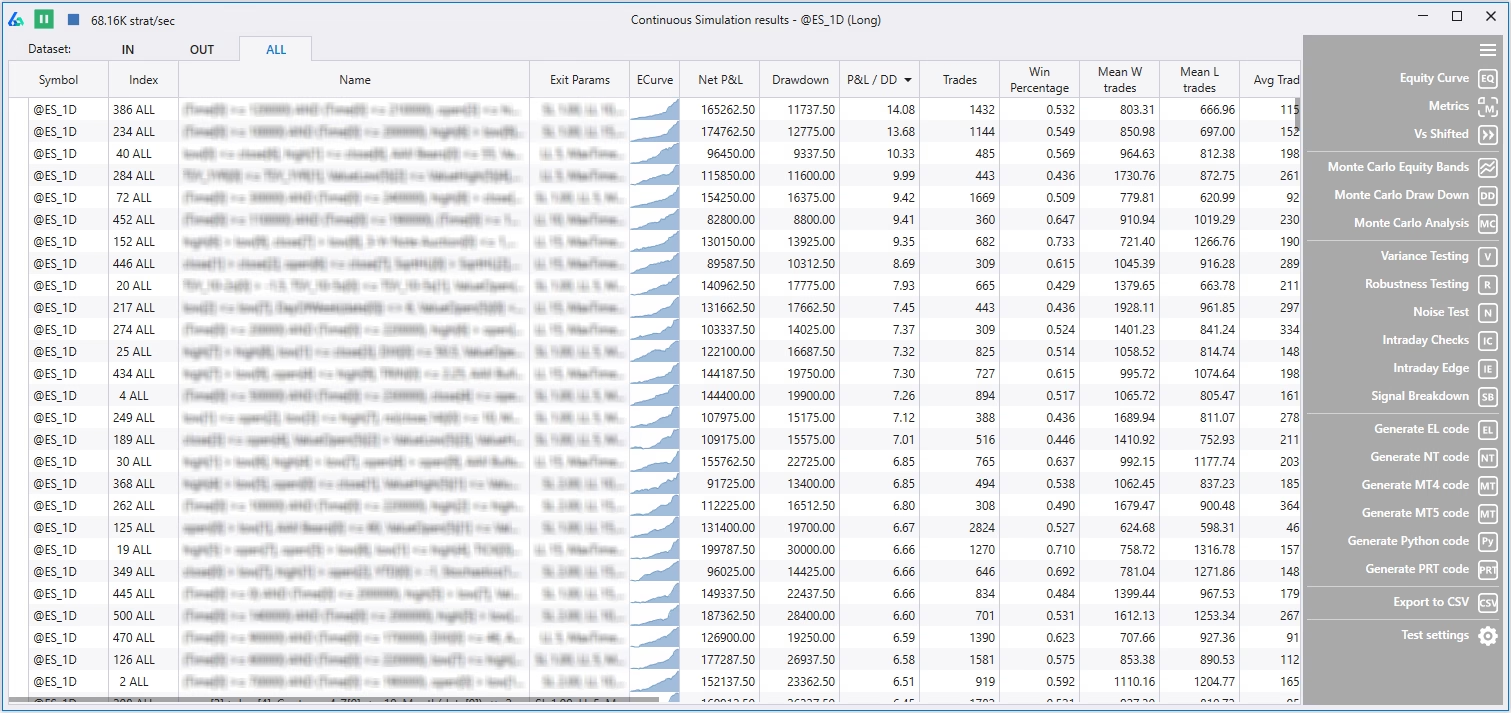
Build Alpha no-code strategy builder results window showing generated algorithmic futures trading strategies sorted by performance metrics with equity curves
Results update continuously as the genetic algorithm evolves better futures strategies
5

Validate & Deploy

A great backtest is often not enough. True edge is understanding which strategies are statistically significant and present the best odds of continued live performance. Build Alpha's suite of robustness tests helps identify such strategies.

Build Alpha Monte Carlo simulation for futures trading strategy validation showing equity curve projections and drawdown distribution for robustness testing
Monte Carlo simulation, stress-test drawdowns and streaks before risking capital

Futures-Specific Trading Features

๐Ÿ“Š
30+ Futures Markets Built-In

Daily data back to contract inception. Intraday (1-min) back to 2006. Tick data, range bars, Kase bars, and volume bars importable via CSV/TXT.

๐Ÿ“…
Seasonality & Time Windows

Restrict trading to specific hours, seasonal windows, or calendar patterns. Analyze seasonal breakdowns and add rules to avoid unfavorable periods.

๐Ÿ“ฐ
Economic Events & FOMC

Build strategies around Nonfarm Payrolls, GDP, FOMC meetings. Test how strategies perform around specific news releases and time of day.

๐Ÿ”„
Rebalance & Rotational

Rank a basket of futures, then apply your strategy to the top (or bottom) N markets until the next rebalance. Test ranking methods, frequencies, and assets.

๐Ÿ›ก๏ธ

Use saved strategies as inputs. Create ensemble or voting systems that only trade when 3+ strategies agree on direction.

๐Ÿ“
Custom Data & Spreads

Import futures spreads, custom bar types, or alternative data. No limitation, just follow the DOHLCV format with dummy values for missing columns.

Seasonality Breakdown

Build Alpha seasonality breakdown chart showing monthly and quarterly performance patterns for futures trading strategy development with calendar-based signal analysis
Analyze seasonal performance, easily add rules to trade only favorable periods

Economic Events & News Data

Build Alpha economic data backtesting interface showing Nonfarm Payrolls GDP FOMC meeting signals for algorithmic futures trading strategy generation around news events
Test strategies around Nonfarm Payrolls, FOMC, GDP, and other macro events

Robustness Testing Suite

A great backtest is not enough for futures trading success. Build Alpha is widely considered the best algorithmic trading software among professional traders due to its suite of stress tests:

Vs Shifted
Vs Others
Variance Testing
Delay & Liquidity

Read the full Robustness Testing Guide and Monte Carlo Simulation Guide for detailed explanations and examples.

Code Generation & Platform Integrations

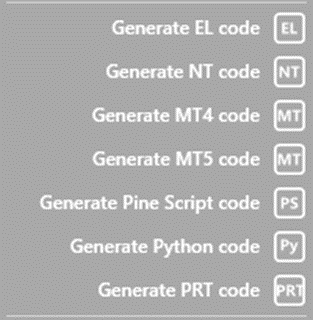
Generate fully automatable code for any futures strategy at the click of a button:

Build Alpha automated trading platform interface showing one-click code generation for TradeStation NinjaTrader MultiCharts MetaTrader TradingView for futures strategy deployment
One-click code generation, from futures backtest to live trading in seconds
Build Alpha code generator buttons showing no-code strategy builder exporting EasyLanguage NinjaScript C-sharp MetaTrader and Python code for automated futures trading
Highlight any strategy, click generate, full code for your preferred platform

Build Alpha also connects to live data from TradeStation, Interactive Brokers, QuoteMedia, and Binance for real-time position updates, live P&L, and automated trade alerts across all asset classes.

Custom Signal Editor

Need a custom signal beyond the 7,000+ library? Build Alpha's no-code signal editor lets you combine indicators, comparisons, operators, and parameters visually. The example below divides the 2-period RSI by the 4-period RSI and only trades when this value exceeds 1.5:

Build Alpha custom signal editor for futures trading showing no-code indicator builder dividing 2-period RSI by 4-period RSI with threshold comparison for automated strategy development
Custom signal: 2-period RSI รท 4-period RSI > 1.5, no code required

For advanced users, add custom signals via Python scripts that integrate directly with the genetic algorithm.

Day Trading & Intraday Futures Features

โฐ Custom time windows, restrict algo trading hours
๐Ÿšช Force end-of-day exit, zero overnight exposure
๐Ÿ” Intraday Edge search, find profitable intraday windows
๐Ÿ›ก๏ธ Hidden Intraday Checks, max trades/day, max P&L, total trades

System Requirements

๐Ÿ’ป
Windows OS

Mac via Parallels or Build Alpha's latest update

๐Ÿง 
8 GB+ RAM

More RAM + CPU cores = faster simulations

FAQ

Any futures market, the most liquid or an obscure newly created contract. Build Alpha adjusts margin, tick value, and point value in settings for proper P&L calculation. 30+ popular futures are built-in, and custom data is importable via CSV/TXT.
Daily data back to contract inception. The database subscription includes intraday data (down to 1-minute bars) going back to 2006. Custom data including tick data, range bars, Kase bars, and volume bars can be imported.
Yes, no limitation on data. Just follow the DOHLCV format: Date, Time, Open, High, Low, Close, Volume, Open Interest. Missing columns can be filled with zeroes or dummy values.
TradeStation EasyLanguage, NinjaTrader8 C#, MultiCharts, MetaTrader 4/5, TradingView Pine Script, ProRealTime, and Python for Interactive Brokers.
Yes. Custom time windows, force end-of-day exits, intraday edge search, and hidden intraday checks for max trades per day, max P&L per day, and more.
Yes. Both are customizable per contract or based on notional value. Position sizing, risk management, and stop loss settings are all fully adjustable in the settings menu.
Yes, on the blog, private forum, and a starter pack of ten simple strategies. These are building blocks, not something to blindly follow. Below is a simple EURUSD futures strategy published in 2017 that continues to perform.
Build Alpha free EURUSD futures trading strategy example published in 2017 showing continued strong performance equity curve as sample algorithmic trading strategy for futures markets
Sample EURUSD futures strategy, published 2017, still performing

Related Guides

David Bergstrom Build Alpha founder and algorithmic futures trading software developer with CME seat and high-frequency trading experience

David Bergstrom

Founder, Build Alpha

A decade-plus in professional trading as a market maker and quantitative strategy developer at a high-frequency trading firm with a CME seat. Self-taught C++, C#, and Python programmer specializing in data science, machine learning, and trading strategy development.

What Traders Say About Build Alpha

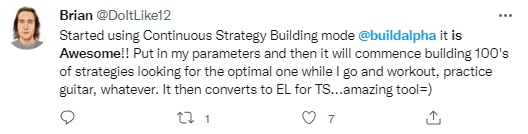
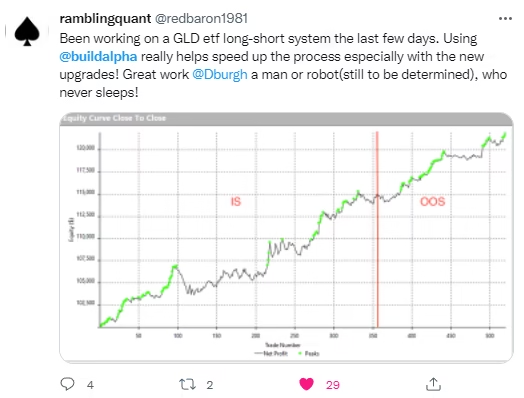
Trader testimonial about Build Alpha futures trading software
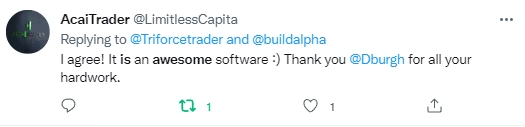
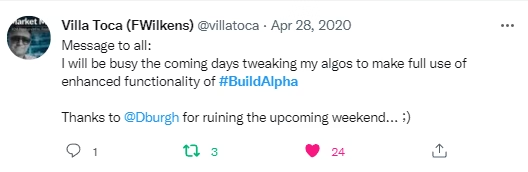
User review of Build Alpha algorithmic futures trading platform
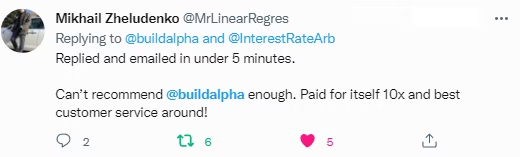
Positive feedback on Build Alpha futures strategy generation
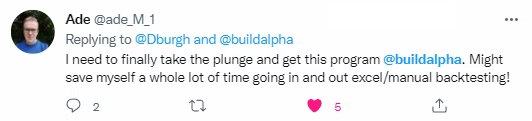
Build Alpha review on futures backtesting and robustness testing
Trader recommending Build Alpha for ES NQ CL futures algo trading
Review of Build Alpha genetic algorithm for futures markets
Systematic futures trader praising Build Alpha platform tools
Build Alpha review for Emini futures strategy development
Testimonial about Build Alpha no-code futures trading tools
Trader feedback on Build Alpha automated futures workflows
Build Alpha user review on futures robustness testing suite
Quantitative futures trader endorsing Build Alpha software
Build Alpha testimonial on ES Emini strategy building
Trader praising Build Alpha futures code generation
Build Alpha customer review on futures strategy validation
User feedback on Build Alpha futures trading platform
Professional futures trader testimonial about Build Alpha
Latest Build Alpha user review on algorithmic futures trading

Start Building Futures Strategies Today

30+ markets. Economic events. Seasonality. Robustness testing. No coding required.